Go to Admin > Settings > Ingredient Settings > Edit an Ingredient Type > Images
Then Edit any Ingredient Type and click on “Images”
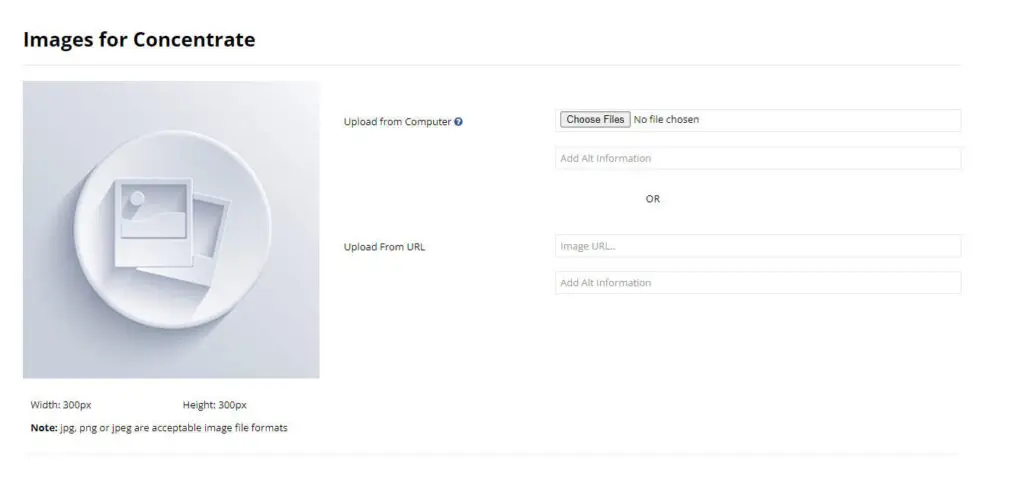
You can set default images for ingredient types.
When you create a new ingredient the system will use your default image until you upload one specifically for the new ingredient.
Each ingredient type can have its own default image.