Variants need to be created in your dispensary settings before you can use them with products. You can add all the different types of variants your products will use. You only need to add the variant once, and it can be used with many different products. It can include variations in features, specifications, colors, sizes, or any other attributes that distinguish one variant from another.
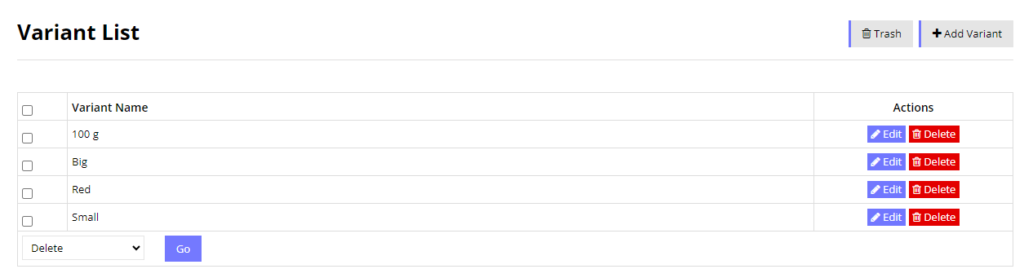
Variant Examples
Color: Red, Green, Blue, Black, White, Yellow, Magenta
General Size: Small, Medium, Large, Extra Large, Big
Specific Size/Volume: 100g, 200g, 300g, 400g, 100ml, 200ml, 300ml, 500ml, 1L, 2L, 2 oz, 3 oz, 4 oz, 6 oz, 18 oz.
Add New Variant
1. Click on the “Add Variant” Button
2. Enter the name of the Variant and press Submit
Delete Variant
You can only delete a variant if it is not being used with any existing product. If its tagged to any product, then you cannot delete it.